
T-SQL knowledge is a core requirement. But managing databases isn’t just query writing. Sooner or later, you’re going to want — actually need — a decent GUI for the tasks that queries alone can’t handle well: laying out schemas, figuring out why things are slow, and watching servers.
Modern tools take the complicated under-the-hood numbers and turn them into visuals you can actually use. A lot of them now mix cloud and on-prem management in the same place and throw in smart hints based on what you’re doing. For most professionals, they’ve become essential.
The Indispensable Role of a Modern SQL Server GUI
A dedicated SQL Server GUI has become a critical tool. Its necessity is driven by the operational demand to administer hybrid environments—a mix of on-premises servers, cloud-managed instances, and containers—through a consolidated control point.
Modern GUI tools extend far beyond basic query editing to incorporate essential administrative and DevOps functions.
Key capabilities include:
- Integrated version control for tracking schema and script changes
- Advanced debugging and query performance profiling tools
- Schema comparison and synchronization utilities
- Automated deployment scripting and pipeline integration
- Centralized security and user permission management
- Unified monitoring for hybrid and multi-cloud environments
This consolidated feature set addresses the operational complexity of 2026’s distributed systems, making a robust GUI necessary for efficiency and control.
Top Contenders for 2026
You’ll find all-in-one platforms and lightweight tools built for a specific job. Picking one comes down to your team, needs, and setup. The following six options are widely used and cover a range of practical needs.
1. dbForge Studio for SQL Server
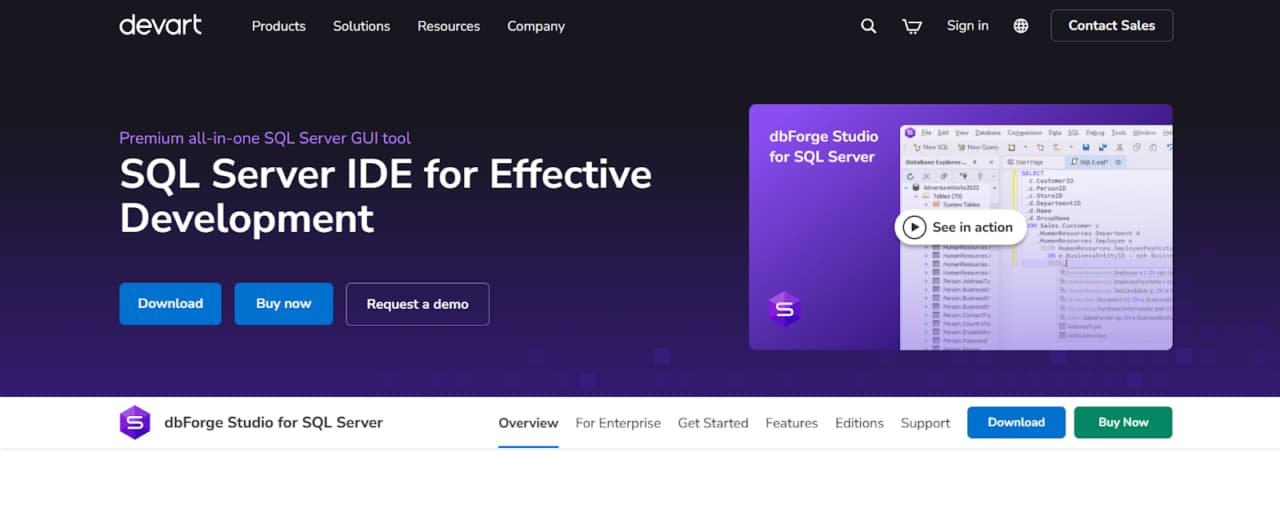
dbForge Studio for SQL Server is a premium, all-in-one SQL Server GUI for working with Microsoft SQL Server databases. It is designed for developers, DBAs, data architects, and analysts who need a single environment to handle database development, administration, and data-related tasks.
It brings SQL coding, database design, query optimization, schema and data comparison, automation, and version control into one interface. This approach reduces dependency on external extensions and simplifies daily SQL Server workflows.
dbForge Studio supports the full lifecycle of SQL Server work, including:
- SQL development and query execution
- Database design and schema maintenance
- Data comparison and synchronization
- Database administration and maintenance
- Reporting and data analysis
- DevOps and automation tasks
It is suitable for individual professionals as well as enterprise teams working with complex database environments.
2. Azure Data Studio
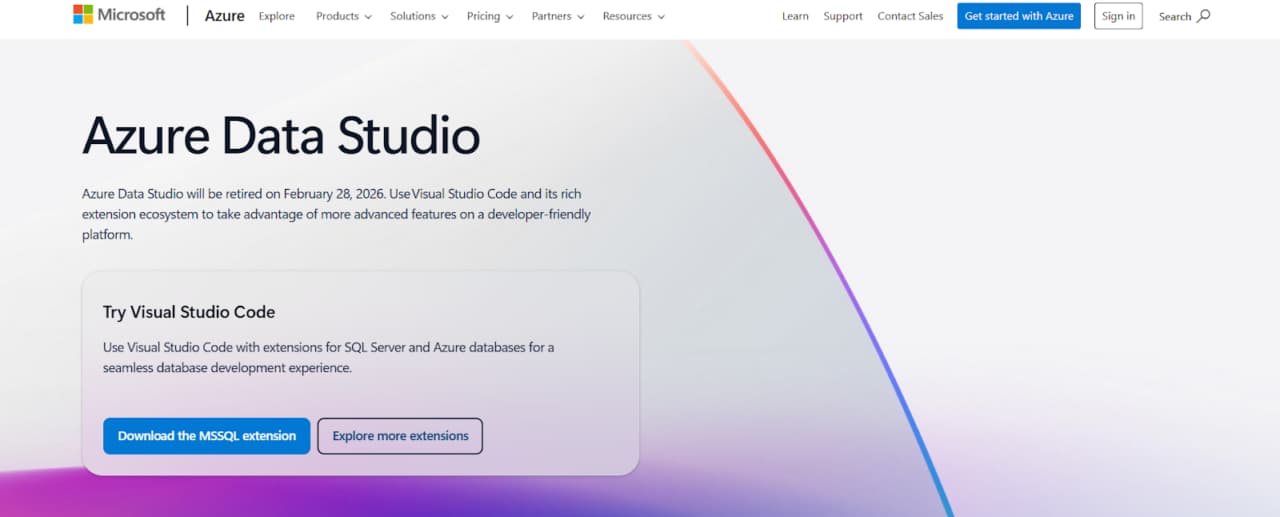
Built on Visual Studio Code, Microsoft’s Azure Data Studio is a cross-platform environment for working with SQL Server. It is lightweight and includes a modern query editor with syntax highlighting, IntelliSense, and code snippets. Support for extensions allows users to customize the setup based on specific workflow needs.
Azure Data Studio lets you handle on-prem and cloud databases from one spot. The dashboards show server and database info fast, no manual queries needed. Jupyter notebooks are built in, so you can document and explore data together.
Git tracks script changes for easier teamwork. Extensions add what you need for admin tasks, reporting, or exploration. It’s built for today’s collaborative, cloud-focused teams.
3. SQL Server Management Studio (SSMS)
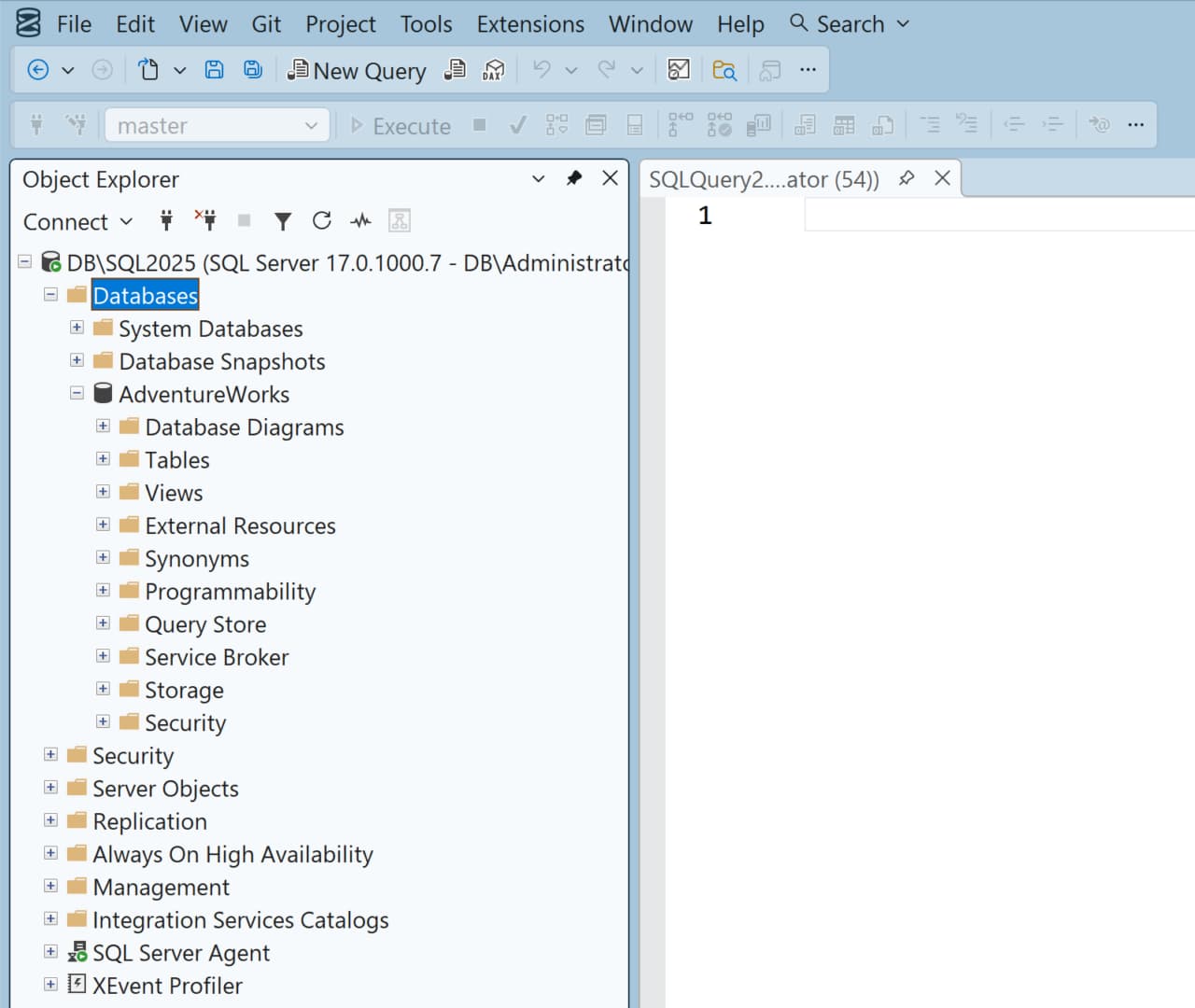
Microsoft’s SSMS — free and official — remains the standard tool for the majority of DBAs. The core hasn’t moved much, but they do keep putting in updates: new functionality and a slightly cleaner look over time. Its big strength is handling the advanced admin side — Always On groups, PolyBase setup, security policy tuning — where other tools usually fall short.
In 2026, it will stay the primary place for deep SQL Server administration. Day-one compatibility with new releases and zero cost are the obvious wins. It can feel a little slower or less polished than certain alternatives, true. Even so, when you’re doing proper DBA work, it’s basically required, and it’s normally used together with more developer-oriented tools.
4. DBeaver (Community & Enterprise Editions)
DBeaver is a popular, free tool for working with databases. It supports a huge list of them, SQL Server included. This makes it ideal if you’re also connecting to things like PostgreSQL or MySQL. The interface is clean. For standard SQL Server work—running queries, looking at schemas, updating data—it handles everything just fine.
DBeaver’s appeal for 2026 is its universality and active development. The Enterprise Edition provides professional SQL Server features such as ER diagrams, schema comparison, and session monitoring. If your role involves multiple database systems, DBeaver delivers a consistent SQL Server interface in a single application, reducing context switching.
5. HeidiSQL
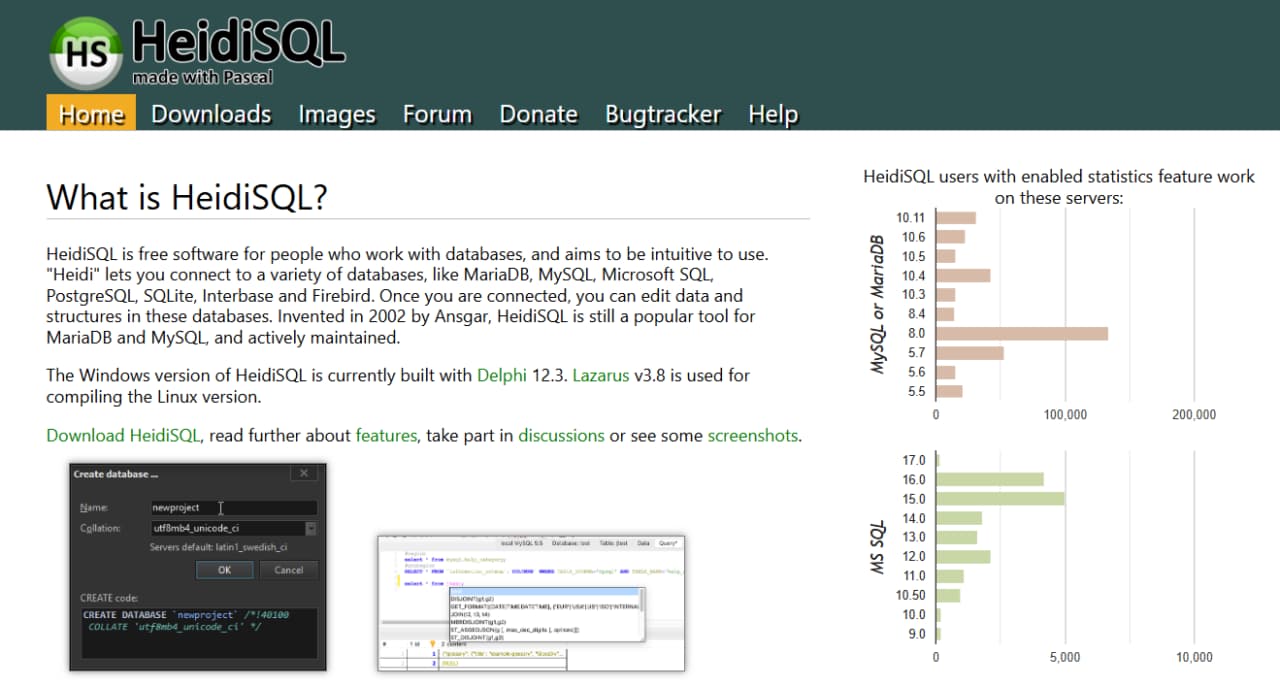
HeidiSQL fills a simple need—it’s the tool you use for everyday database jobs without unnecessary complexity.
Practical benefits:
- Quick setup: Install and use immediately
- Easy learning curve: New users can start productively right away
- Zero cost: Free with regular updates
- Specific use case: Best for basic queries, data viewing, and simple edits
For future use, HeidiSQL’s development keeps it compatible with modern systems. Its 2026 advantage will be the same as today: providing a fast, reliable, and free option for routine database tasks where advanced features aren’t required. Great as a secondary tool or for lighter database environments.
6. ApexSQL Complete (as part of ApexSQL Toolkit)
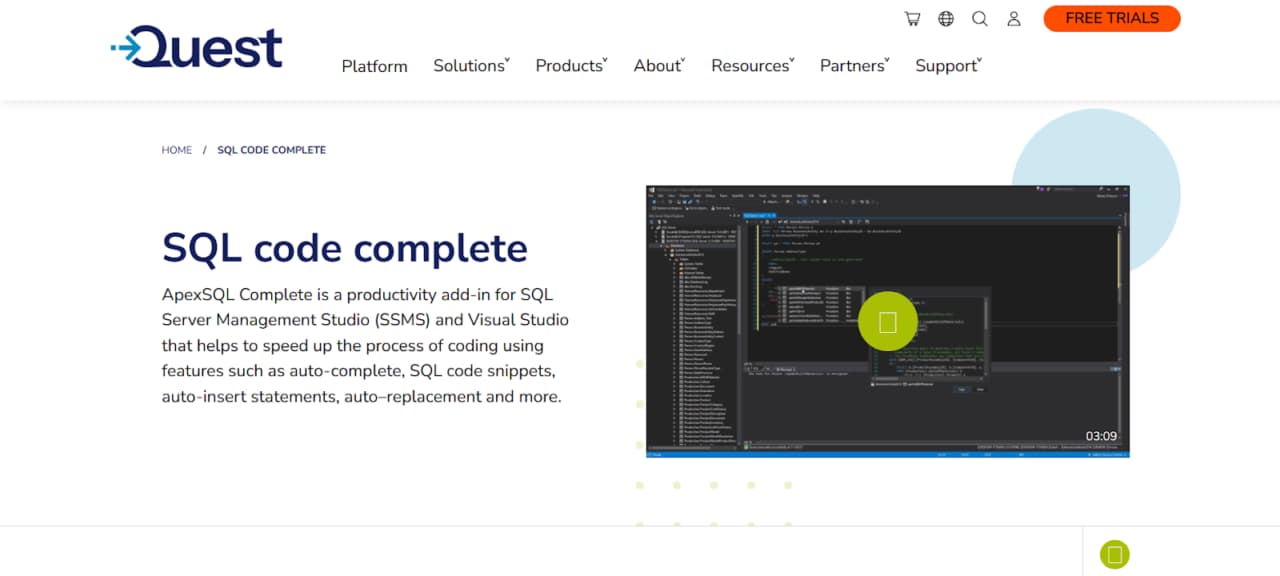
ApexSQL Complete is an enhancement add-in for SSMS and VS Code. It provides arguably the most advanced intellisense for T-SQL, plus capable code refactoring, formatting, and snippet tools.
Development speed is the priority. Anything that lets you type less and make fewer mistakes helps efficiency. Install ApexSQL Complete in SSMS (or connect it to Azure Data Studio / VS Code via SQL Prompt). For 2026, it’s a standard move for SQL Server work. The tool makes writing code smoother. It’s not a replacement for your main editor.
Choosing the Right Tool for 2026
Your specific needs dictate the best SQL Server GUI tool.
- For Deep Administration & Architecture: Rely on SSMS. Complement it with a dedicated development tool (e.g., dbForge Studio) for automation and complex tasks.
- For Cloud-Native & Modern Development: Adopt Azure Data Studio as your main tool, customizing it with extensions.
- For Working Across Different Databases: Consider DBeaver Enterprise for a unified, high-quality experience.
- For Low-Cost or Learning Scenarios: The free versions of HeidiSQL, DBeaver, or SSMS are powerful enough for getting started and being productive.
Conclusion
In 2026, SQL Server tools are diverse and purpose-built. The direction is toward deeper integration, native cloud/hybrid features, and smarter assistance. Sure, you still write queries and manage servers. But today’s GUI is often the central point for DevOps, performance lifecycle, and collaborative data tasks.
Choosing the tool that fits your actual workflow isn’t just about preference. It’s a strategic move that boosts accuracy, saves time, and strengthens your entire data operation long-term.
Last modified: February 6, 2026