
Most enterprise software rollouts don’t fail because the tech doesn’t work. They run into trouble when employees resist adoption, teams follow different processes, and useful knowledge disappears after go-live.
It gets harder still when you’re running multiple systems — CRM, ERP, HR tools, and others — all at the same time. People need to learn new workflows without losing momentum in their regular work.
Adoption platforms help by bringing guidance, training, and analytics directly into daily applications. Here’s our comparison of seven platforms that make it easier to drive real adoption and get value from complex software investments.
Key Features to Look For in an Adoption Platform
Platforms for adoption differ greatly. Some are excellent at automatically recording processes. Others excel in analytics, automating repetitive activities, and providing in-app coaching. Therefore, the decision essentially depends on the problem you are attempting to address.
The risks are bigger for larger businesses. You have a lot of moving pieces, dispersed teams, and several systems to manage. In that regard, the ideal platform should reduce support questions, increase productivity, and maintain system-to-system consistency.
Here are the capabilities we recommend evaluating:
- In-app guidance and interactive walkthroughs
- Documentation tools and knowledge management
- Analytics to track adoption and identify friction
- Native support for Salesforce, Oracle, SAP, Workday, and similar platforms
- Automation features to streamline routine workflows
- Onboarding support for new hires
- Knowledge sharing across departments
- Strong security and enterprise-grade integrations
One more thing: if your tech stack includes multiple systems, avoid platforms that only work with a single application. You need something that connects across your entire ecosystem—otherwise, you’re just adding another silo.
Top 7 Digital Adoption Platforms
Deploying enterprise systems like CRM, ERP, and HRIS is difficult. Conventional training is not enough on its own. These platforms increase acceptance and streamline processes, allowing companies to do software rollouts more smoothly and providing staff with the necessary assistance.
Tango
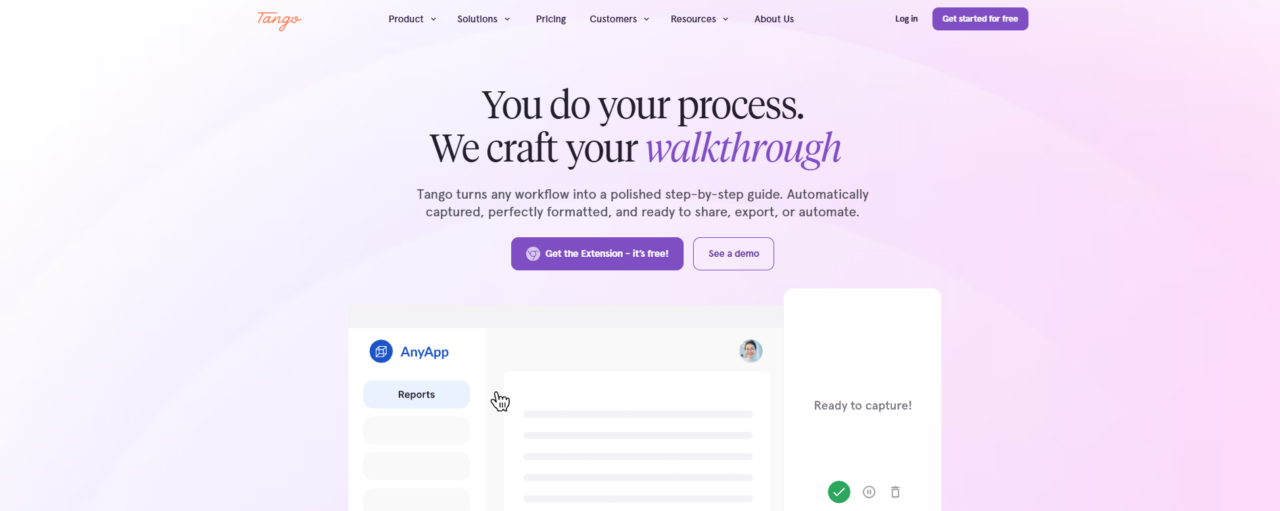
Enterprise teams often struggle to keep up with complex systems, and that’s exactly where Tango shines. It’s a digital adoption platform designed to document workflows, walk employees through business processes, and drive better software adoption across the board.
Automatic workflow capture stands out. The platform takes completed work and turns it into visual, step-by-step guides. The result? Simpler training, more consistent execution, and less loss of valuable know-how.
What really makes Tango different from old-school documentation tools is its in-app approach. You can create guides, embed them where needed, and provide real-time support during rollouts — whether you’re working with Salesforce, Oracle, SAP, Workday, NetSuite, Microsoft Dynamics 365, or other major CRM, ERP, and HRIS platforms. And it does all this without complicated setups.
Key features:
- Automatic workflow documentation with screenshots and instructions
- In-app guidance and contextual help through Tango Nuggets
- Interactive walkthroughs for employee training and software adoption
- Process automation for repetitive browser-based tasks
- Usage analytics and adoption tracking
- Knowledge base, LMS, ticketing, and collaboration tool integrations
- SOP, tutorial, and training content creation
Best for: Organizations rolling out enterprise software, standardizing processes, reducing support requests, and improving user adoption across CRM, ERP, HRIS, and other business-critical systems.
WalkMe
WalkMe stands out as a strong digital adoption platform for enterprises. It makes it easier for organizations to get employees actually using new software, navigate complicated workflows, and move digital initiatives ahead.
Instead of pulling people out of their tools, it adds smart guidance, automation, and insights right on top of apps like Salesforce or Workday. This helps teams finish tasks accurately and efficiently.
It works especially well for major implementations and change programs. Companies use it to lower ticket volume, improve consistency, and shorten ramp-up time. Its mix of real-time help and analytics also gives leaders a clear picture of what’s working and where employees need extra assistance.
Key features:
- In-app guidance and interactive walkthroughs
- Workflow automation and task execution
- Digital adoption and change management tools
- Application usage and workflow analytics
- Employee onboarding and training support
- Cross-application workflow assistance
- AI-powered contextual assistance
- Process completion and adoption tracking
- Form and workflow optimization
- Enterprise integrations across CRM, ERP, and HRIS systems
Best for: Large organizations tend to get the most value here. Enterprise teams responsible for software rollouts, digital transformations, and broader change management initiatives often turn to solutions like this to improve user adoption.
The platform supports popular systems without much hassle. Think Salesforce, Workday, SAP, ServiceNow, Oracle, Microsoft Dynamics 365, and similar core business tools.
It helps keep projects moving forward while reducing the usual friction that comes with major system changes.
Whatfix
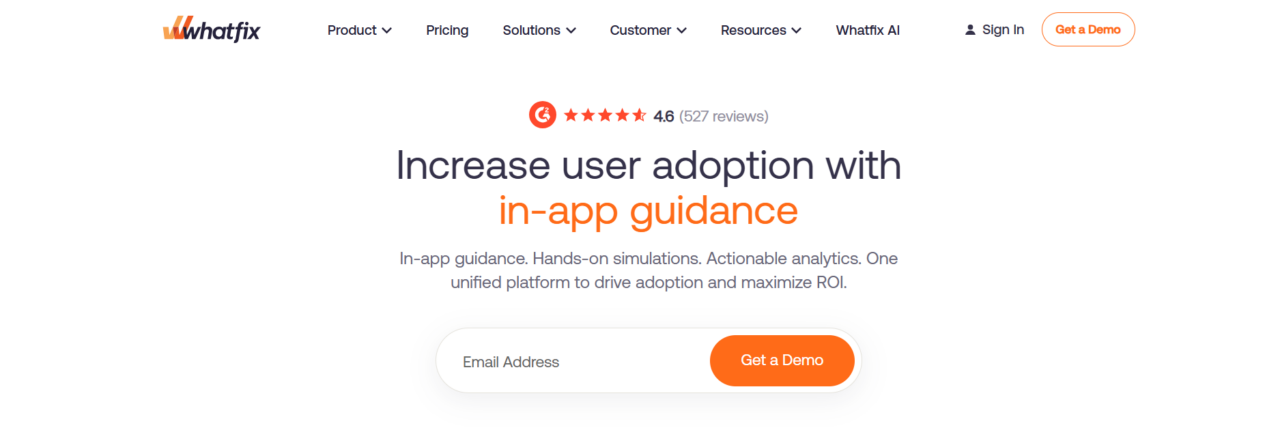
Getting the most out of complex enterprise tools can be tough. Whatfix makes it easier by delivering a digital adoption platform that puts helpful guidance directly into the applications employees use daily.
The platform stands out especially during big implementations and system changes. It supports CRM, ERP, HCM, procurement tools, and more — smoothing out the rollout while cutting down on support requests and speeding up onboarding. Organizations also see better compliance and stronger user adoption as a result.
You’ll see it in action across many sectors, from healthcare and insurance to banking and government. With guided walkthroughs, contextual support, and smart AI insights, Whatfix helps teams identify workflow issues early and get a stronger return on their technology investments.
Key features:
- AI-powered in-app guidance and interactive walkthroughs
- User onboarding and employee training tools
- Product and workflow analytics
- Contextual help, Smart Tips, and task guidance
- Change management and digital transformation support
- Workflow optimization and process compliance tools
- User support and self-service assistance
- AI-powered content creation and guidance capabilities
- Application simulation and hands-on training with Mirror
- Cross-platform support for CRM, ERP, HCM, and procurement systems
Best for: Enterprises and mid-market organizations managing software rollouts, digital transformation programs, employee onboarding, and user adoption initiatives across platforms such as Salesforce, Oracle, SAP, Workday, ServiceNow, Microsoft Dynamics 365, and other enterprise applications.
Stonly
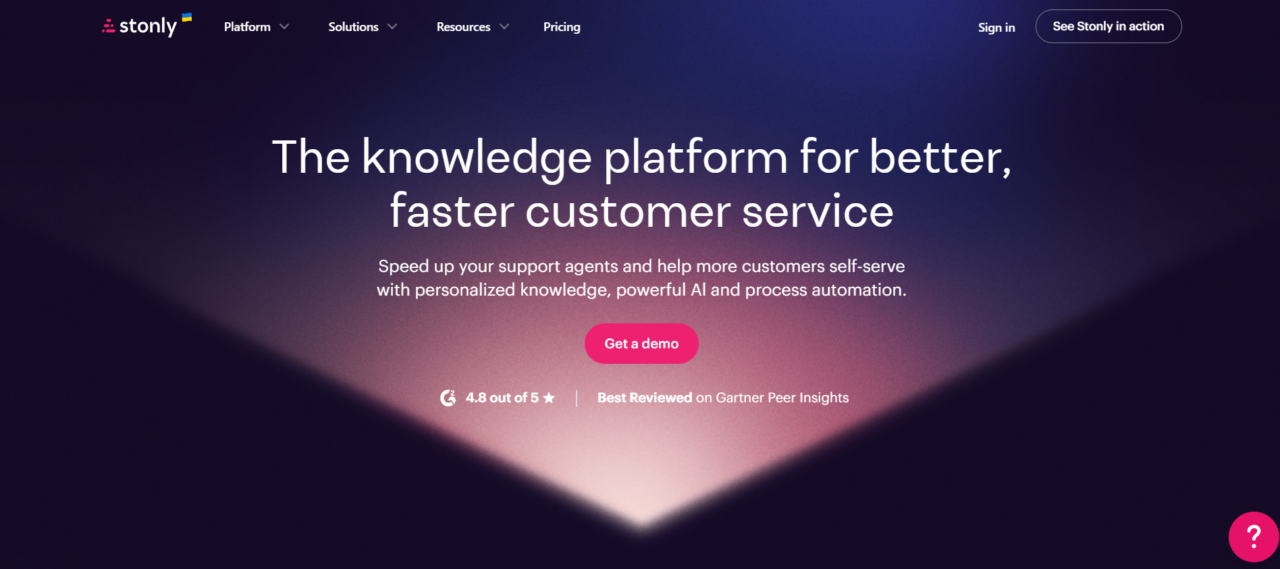
Stonly gives companies a better way to create interactive guidance for employees and customers alike. It functions as a knowledge management platform built around step-by-step content for support, enablement, and self-service.
Rather than depending on unchanging documents, it uses interactive guides, AI help, and decision trees. Users end up finding answers faster and handling complex processes with fewer mistakes.
Support teams especially like how adaptable it is. You can design troubleshooting sequences, onboarding paths, and procedures that change based on user input. The platform also integrates neatly with Salesforce, Zendesk, Freshdesk, and ServiceNow, so knowledge shows up exactly where it’s needed in daily work.
Key features:
- Interactive guides and decision-tree workflows
- Knowledge base and documentation management
- AI-powered answers and chatbot capabilities
- Support agent guidance and process enablement
- Customer self-service experiences
- Analytics and content performance reporting
- Content versioning and approval workflows
- Multi-language support and auto-translation
- Integrations with Salesforce, Zendesk, Freshdesk, and ServiceNow
- Surveys, forms, and feedback collection
Best for: Customer support teams, contact centers, insurance providers, financial services organizations, and businesses looking to improve self-service support, agent productivity, and knowledge management through interactive guidance.
Pendo
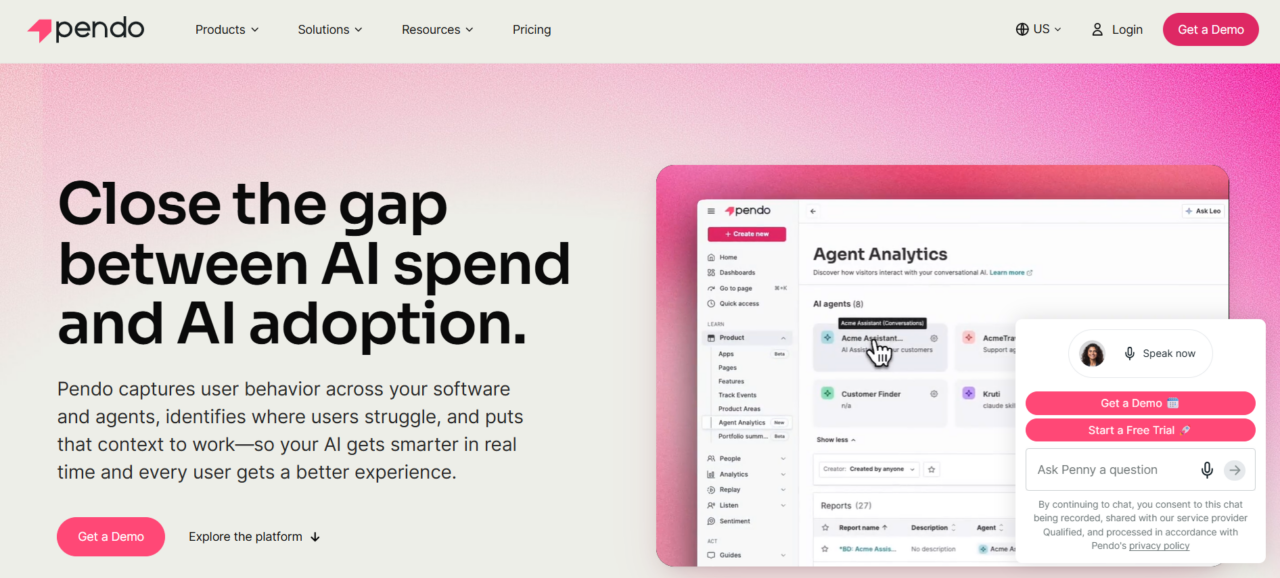
Pendo helps companies make sense of how users interact with their software. As a digital adoption platform, it combines analytics, in-app guidance, and feedback tools to improve adoption and smooth out digital experiences.
Teams in product, IT, and operations use it to track engagement, measure how well new features land, and offer timely guidance within the applications themselves. It shines during major rollouts and transformation projects.
The platform works for both customer products and internal systems. It links behavior insights to outcomes like better retention, productivity, and feature adoption.
Key features:
- Product and user behavior analytics
- In-app guides and onboarding experiences
- Digital adoption and employee enablement tools
- Session replay and user journey analysis
- User feedback and sentiment collection
- Adoption and engagement measurement
- AI and agent analytics
- Predictive insights for churn and retention
- Workflow orchestration and user engagement tools
- Integrations with enterprise software and business systems
Best for: Organizations looking to improve software adoption, measure user engagement, optimize digital experiences, and gain visibility into how employees or customers interact with enterprise applications and digital products.
Appcues
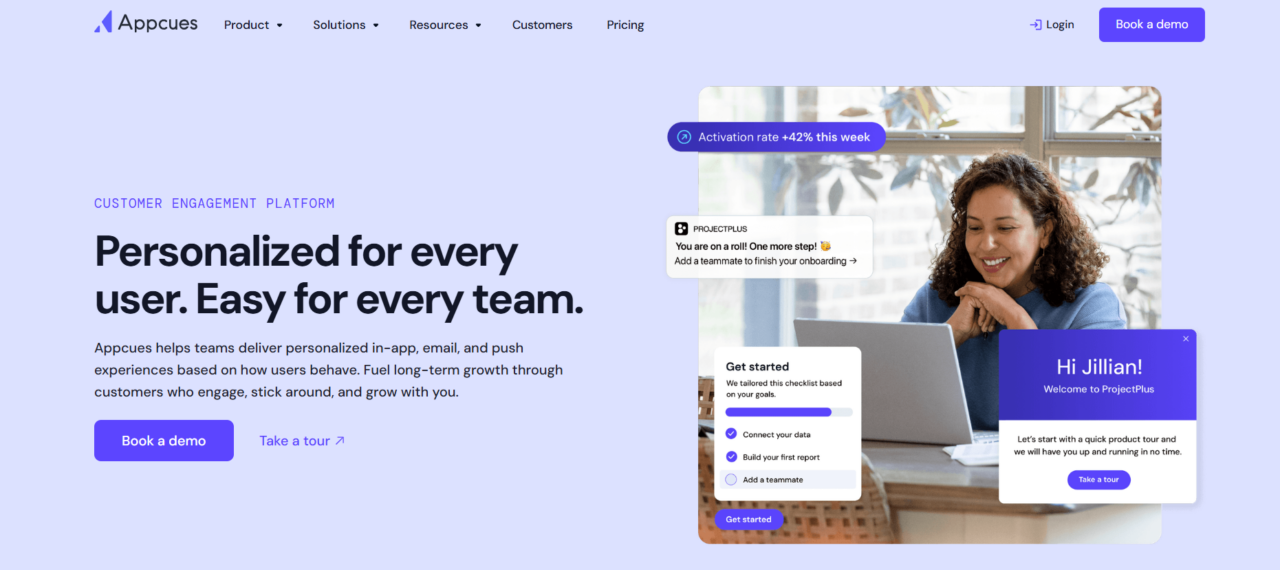
Appcues is a customer engagement and user onboarding platform that helps companies boost product adoption, activate new users, and improve retention. It does this through personalized in-app experiences, email campaigns, and mobile messaging that feel relevant instead of intrusive.
Teams can quickly build targeted onboarding flows, feature announcements, surveys, and engagement campaigns without needing heavy developer support. Built mainly for product, growth, customer success, and operations teams, it uses behavioral targeting to deliver the right guidance based on user actions and lifecycle stage.
The combination of in-app messaging, analytics, and multi-channel tools helps create smoother user journeys and stronger overall results.
Key features:
- In-app onboarding and user guidance
- Feature adoption and announcement campaigns
- Behavioral targeting and segmentation
- In-app messaging and tooltips
- Email and push notification campaigns
- User feedback and survey collection
- Product engagement analytics
- Personalized customer journeys
- No-code experience creation tools
- Integrations with customer and product data platforms
Best for: SaaS companies, product teams, customer success teams, and growth-focused organizations looking to improve user onboarding, feature adoption, engagement, and customer retention across web and mobile applications.
Spekit
Spekit works as a revenue enablement and knowledge management platform. It delivers training, process guidance, and key information right inside employees’ daily workflows. The platform brings together sales, product, and operational knowledge in one place. This lets teams get answers and finish tasks without jumping between different systems.
It’s built mainly for revenue, enablement, and go-to-market teams. Spekit speeds up onboarding, strengthens process adoption, and keeps everyone aligned on the latest procedures and best practices. Its AI features offer personalized coaching and smart content recommendations within the tools people already use.
Overall, it combines embedded guidance, knowledge management, analytics, and AI to help cut down ramp time, boost productivity, and support continuous change across teams.
Key features:
- AI-powered knowledge management and content delivery
- Embedded guidance within employee workflows
- Learning paths and onboarding support
- AI coaching and contextual recommendations
- Content creation and governance tools
- Deal intelligence and buyer enablement capabilities
- Analytics and adoption tracking
- Integrations with CRM, communication, and productivity platforms
- Knowledge search and centralized content management
- Personalized enablement experiences
Best for: Sales teams, revenue leaders, and enablement professionals. If your goal is to use AI to coach employees in real time—right inside their workflow—this one’s worth a look. It helps with productivity, adoption, knowledge sharing, and getting new hires up to speed.
How to Choose the Right Platform for Your Software Stack
Picking the best adoption platform depends on your environment. Think about the systems you’re rolling out, workflow complexity, and the problems that appear once everything is live.
Teams focused on documentation usually prefer knowledge-focused tools. Those struggling with actual usage gain more from timely in-app guidance, while analytics matter most if you want clear visibility into behavior.
Weigh your applications, desired features, team bandwidth, security needs, and growth plans. Look for a solution that fits naturally into daily work, cuts support demands, and speeds up productivity.
Conclusion
It all boils down to your unique situation. The ideal adoption platform depends on the complexity of your tech stack, what your teams actually struggle with, and the outcomes you’re aiming for.
Some solutions are particularly strong with in-app guidance and workflow streamlining. Others do a better job with documentation, knowledge management, analytics, or general enablement.
Look for technologies that work with your existing systems if you have a bigger business setup. In the long term, that simplifies everything. Ultimately, choosing the best one improves the return on your tech investments, increases adoption rates, increases productivity, and retains critical knowledge.
Last modified: July 2, 2026